Message
The Send Message page enables clients to send messages via SMS, WhatsApp, or Email. You can target individual recipients, entire contact lists, or upload a CSV file for bulk messaging.
Overview
-
Channel Selection:
Choose the messaging channel (SMS, WhatsApp, Email) from the dropdown at the top.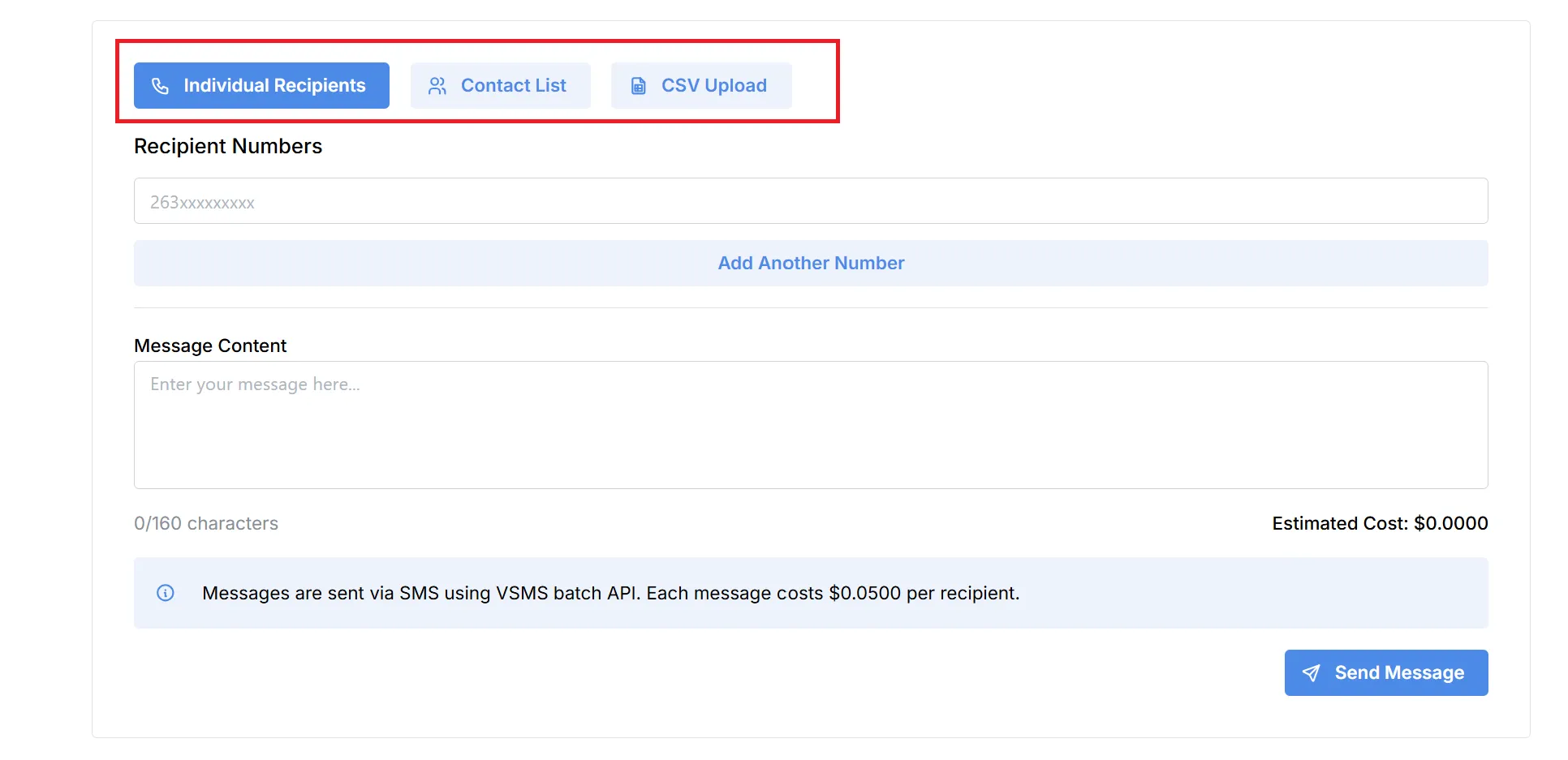
Recipient Selection Methods
You have three options for specifying your recipients:
-
Individual Recipients:
- Enter one or more phone numbers/email addresses manually.
- Use the “Add Another Number” option for additional recipients.
-
Contact List:
- Select from your previously created contact lists for group messaging.
-
CSV Upload:
- Upload a CSV file containing recipient details for bulk messaging.
Message Content
- Compose your message in the provided text box.
- Character limits may apply based on the selected channel (e.g., 160 characters for SMS).
Cost Estimation
- The system calculates and displays the Estimated Cost based on the number of recipients and the selected channel’s rate.
- An informational note details the cost per message for the chosen channel.
Sending the Message
- Review your recipients and message content.
- Click Send Message to dispatch your campaign.