Client Dashboard
The Client Dashboard is your central hub for monitoring account balances, messaging activity, contacts, and recent transactions within Axis Connect. It provides actionable shortcuts and a comprehensive overview of your communication performance.
Dashboard Overview
Account Balances
- USD Balance: Displays your current available credit in US Dollars.
- ZWG Balance: Shows your balance in Zimbabwean Dollars (ZWG).
Quick Actions
- Send Message: Start a new bulk SMS, WhatsApp, or Email campaign.
- Import Contacts: Add new contacts to your address book.
- Buy Credits: Top up your credit balance to continue sending messages.
- View History: Access your comprehensive history of sent messages and transactions.
Key Metrics
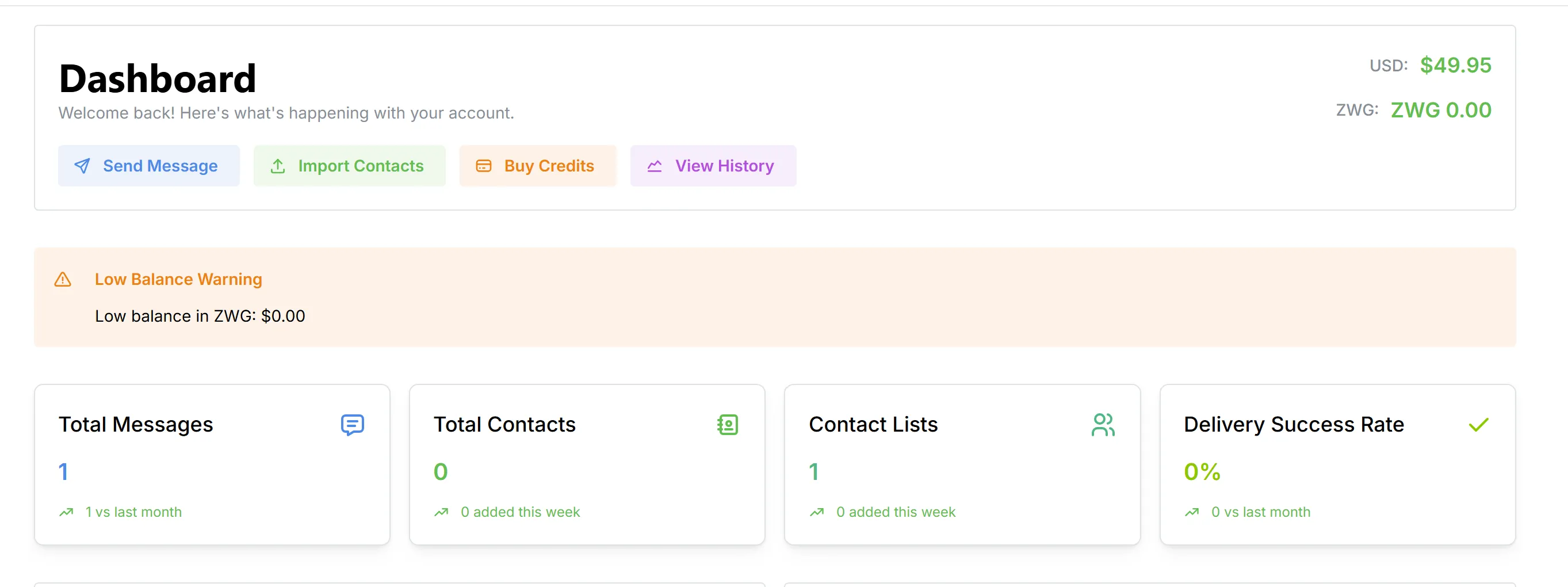
- Metrics include growth indicators (e.g., changes since last month/week).
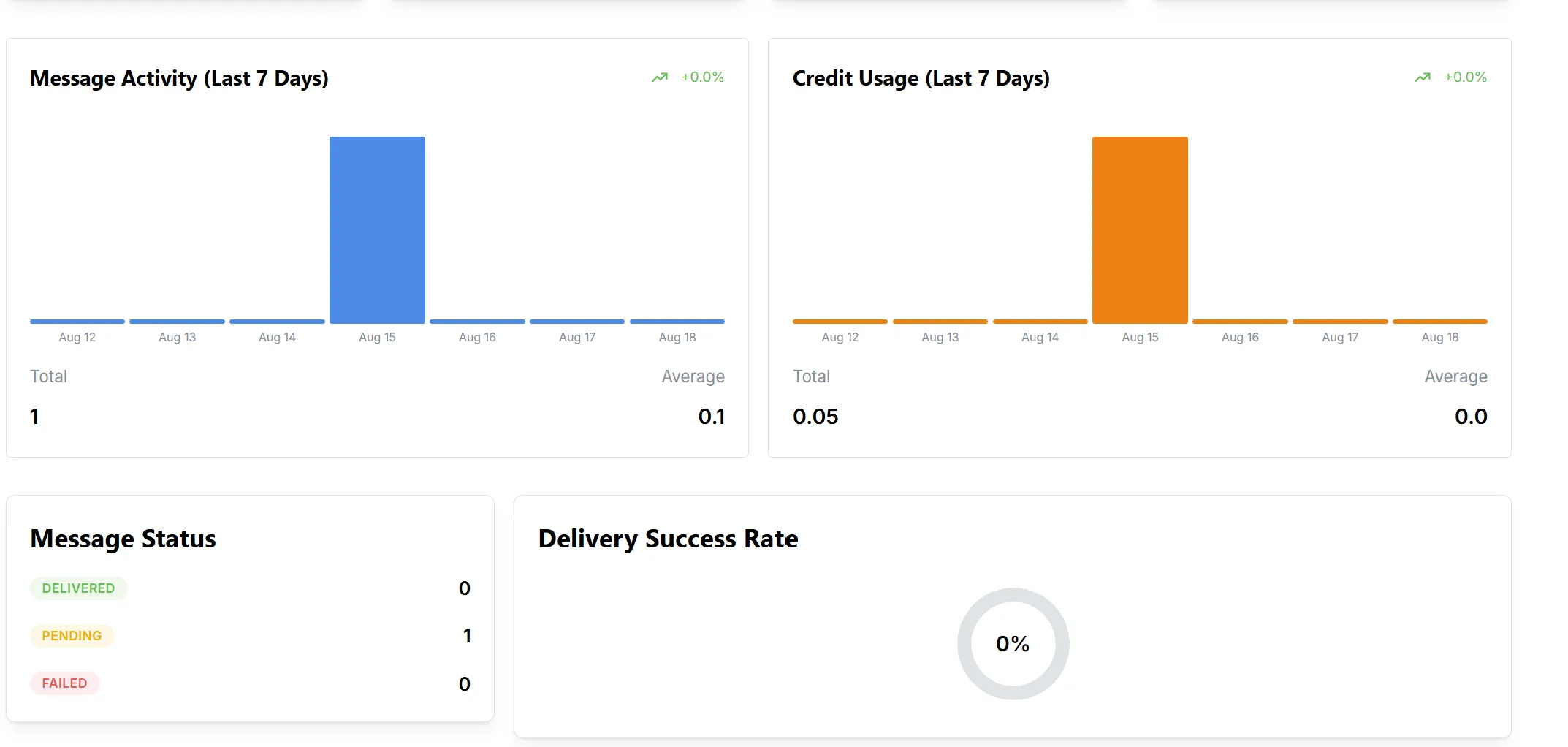
Activity Visualizations
- Message Activity (Last 7 Days):
Bar chart showing daily message volume for the past week. - Credit Usage (Last 7 Days):
Bar chart displaying daily credit spend for the past week. - Message Status:
Counts of Delivered, Pending, and Failed messages. - Delivery Success Rate:
Visual gauge of delivery rate (circular progress).
Recent Activity
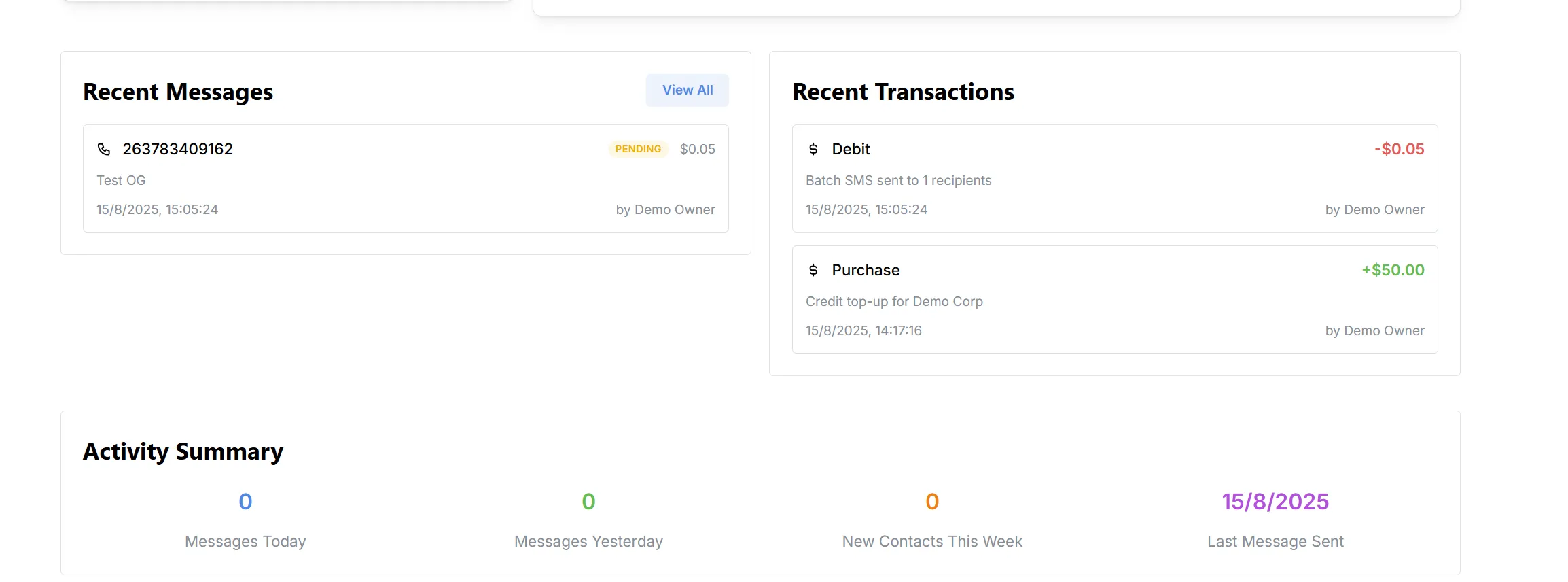
Recent Messages
- List of the latest messages sent, including:
- Recipient phone number
- Message content preview
- Status (e.g., Pending)
- Cost
- Timestamp
- Sender info
Recent Transactions
- List of recent credit debits (for message sends) and purchases (credit top-ups), including:
- Type (Debit/Purchase)
- Description
- Time and date
- Amount (with color-coded positive/negative values)
- Performed by
Activity Summary
- Messages Today: Number of messages sent today.
- Messages Yesterday: Count from the previous day.
- New Contacts This Week: Number of new contacts added.
- Last Message Sent: Timestamp of your most recent outbound message.